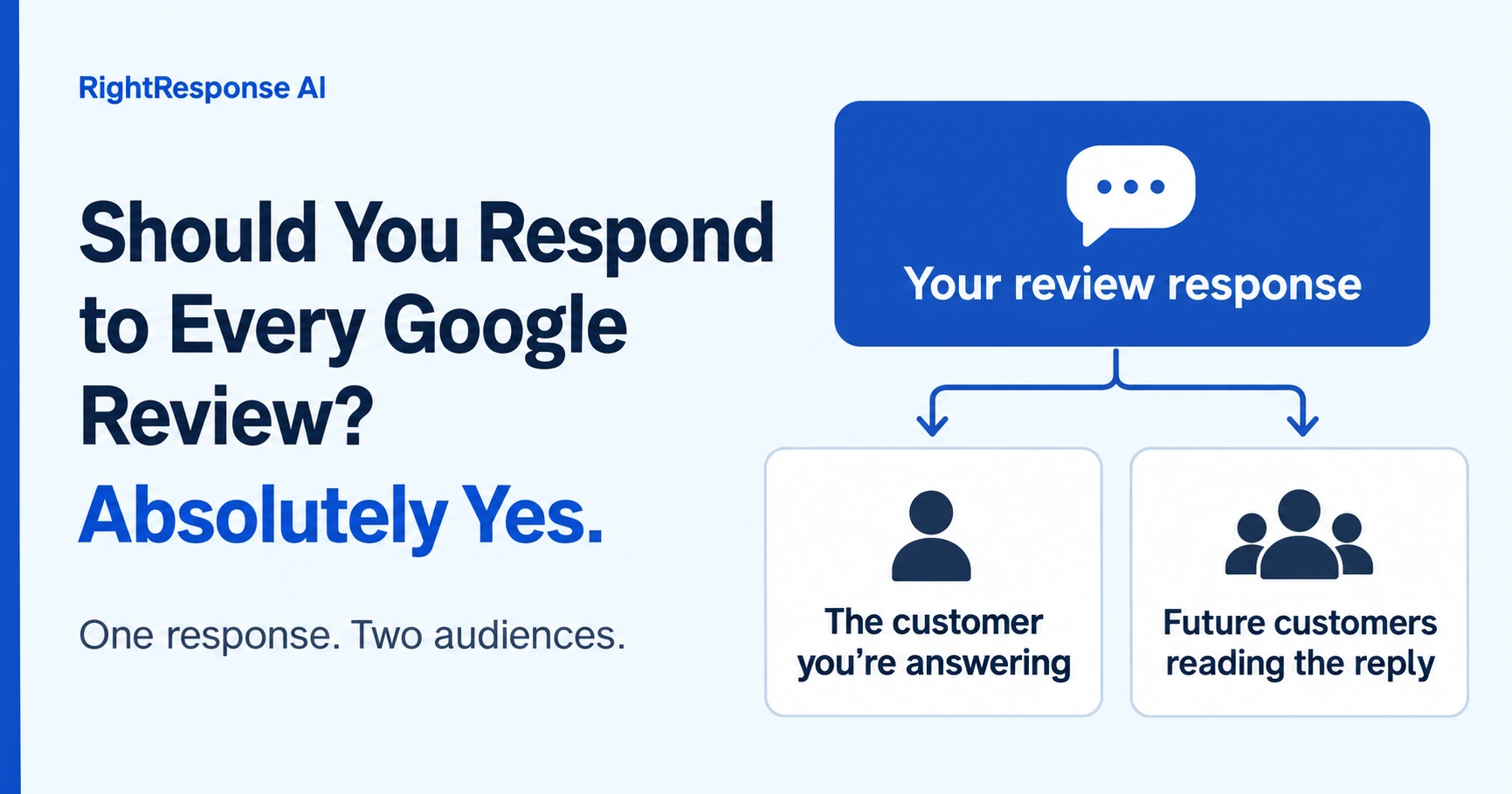
That includes positive reviews, negative reviews and even a star rating with no written comment.
A happy customer deserves a thank-you. Someone who’s disappointed deserves to know you care. And everyone reading those exchanges gets a better sense of the people behind the business. No one is perfect. You can acknowledge what happened, make it personal and try to restore the relationship. That matters to the customer, and it matters to the people watching.
Most articles will tell you to respond quickly, be polite and personalize your replies. That’s standard advice. It doesn’t explain how you’re supposed to find the time, or what to do when everyone needs to ask you what to say.
We think you should respond to every review because every response is an opportunity to market your business. With the right tools, the writing doesn’t have to be hard. But your team also needs to know what you know about the business. Otherwise, even when someone else writes the reply, the work keeps coming back to you.
You can fix that. Start by putting what you know somewhere other people can find it. You can do this with a shared document and your own team. Later, we’ll show you how we do it in RightResponse AI.
Even a simple thank-you can help market your business
Someone leaves five stars without a comment. What do you say beyond “Thanks for the review”?
You probably know several things about your business that a future customer would find interesting. Maybe you’re family owned. Maybe you’ve served the community for 25 years. Maybe your technicians have a qualification that matters to the work you do. A simple acknowledgment gives you a place to share one of those facts.
For example, suppose Sam leaves five stars for a family-owned business that has served Brookfield since 2001. The examples in this article are fictional, but the approach is one you can use with facts about your own business.
Sam gets a thank-you. The next person reading the review learns something about the company. That’s a marketing opportunity you would have missed by saying nothing, or by using the same generic reply every time.
You don’t need to squeeze a sales pitch into it. Pick one detail that fits, and vary what you say across your replies. Google’s own advice is to keep replies helpful and avoid deals and promotions. Give people something useful to know about you.
The same idea works when a customer gives you more to go on. Suppose someone reviews your restaurant and says, “Great food, but the live music made it difficult to have a conversation.” If you publish an entertainment schedule, that’s useful information for this customer:
We’re glad you enjoyed the food, Alex. I’m sorry the music made it hard to talk. Our entertainment schedule is on our website, so you can check what’s planned before your next visit.
You’ve listened to the complaint and offered something that may help. You haven’t had to write an essay.
Give your team what they need to write a good reply
The owner usually knows what makes the business special. They know the policies, the people and the history behind a complaint. Someone else may be perfectly capable of writing a response, but they won’t necessarily know those things.
That’s why the replies keep landing on the owner’s desk. A colleague can write an apology for a late appointment. They may still need to ask who should follow up, whether you want to explain the delay or whether you’d offer the customer anything.
Start with three kinds of information. You can keep them in a shared document:
Be specific. “We’ve served Brookfield since 2001” gives someone a useful fact to work with. “We offer great service” tells them very little. If the information changes, such as your entertainment schedule or weekend hours, show people where to check it.
Then try it on a few recent reviews. Ask someone on your team to write the replies using what you’ve put together. When they have a question, add the answer. You’ll soon see what they need from you.
We’ve made an editable worksheet with examples to help you get started. Keep the information current, and make it clear if something applies only to one location. If you made an exception for one customer, say so. Your team needs to know when it applies.
When someone asks you how to respond, save the answer
The first time you see a particular complaint, you may need to decide how you want to handle it. That’s reasonable. The problem is having to explain the same thing again next week, and again to the next person who takes over the reviews.
Suppose a customer says your technician arrived late and nobody called with an update. Your team asks what to say. You explain that you want to apologize for the disruption and have the customer call dispatch so you can look into it. You also tell them to check with you before offering compensation.
They now have enough to write this reply. Save what you told them, and they’ll have something to work with the next time it happens.
A reply using those instructions might look like this:
Jordan, I’m sorry we kept you waiting and didn’t call with an update. Please call the number on our profile and ask for dispatch. We’d like to find out what happened with your appointment.
Save the instructions with a name people will recognize, such as “Late appointments and missed updates.” Include anything they should check with you about. The next customer’s experience will be different, so the reply should still be personal. But your team shouldn’t have to ask you to explain the basics again.
This is how you make it possible for someone other than the owner or expert to respond well. Each time you answer a new question, you make the next similar review easier to handle. Our guide to responding to negative reviews covers more of those situations.
Sometimes it’s easier for the owner to edit the reply
There will always be situations where the owner or manager knows things nobody else does. They may already be working with the customer. They may know why something happened or what they’re prepared to do about it.
In those cases, give them a draft. It can be much easier to change a few sentences and publish the reply than to explain the whole situation to someone else. Let them decide when it’s ready.
The important thing is that the review doesn’t get forgotten while everyone assumes someone else is handling it.
If the owner’s edit teaches you something that would help with other reviews, ask whether you should add it to the shared document. Keep the customer’s private details out of those general instructions.
For everyday reviews, checking and responding each business day is a sensible place to start. If you have a backlog, work through it while keeping up with new ones. A reply sitting in a draft folder still needs someone to finish the job.
You can use AI to help with the writing, too. Give it the facts and instructions it needs, then read the reply before you use it. We explain how to get started in our guide to using ChatGPT for review responses.
When would I wait to respond?
There are a couple of situations where I would hold off on a public reply.
The review clearly violates the platform’s rules, and you’re trying to get it removed. You may decide to wait while that’s being reviewed. If it stays up, come back to the question of how to respond. A review doesn’t qualify for removal just because you disagree with it; Google explains what you can report.
You’re actively working with an unhappy customer. It may make sense to see whether you can resolve the problem before posting a public response. That’s a judgment for you and the person handling the reply. The customer may choose to update their review afterward. Any offer to make things right should stand on its own: Google prohibits incentives for changing or removing a review.
You may also need advice before responding to something involving private information, a legal dispute or someone’s safety. And if someone is demanding payment to take reviews down, Google says not to engage or pay them. Save the evidence and use its extortion reporting process.
A negative review by itself is a reason to engage. Readers want to see that you care. If you need to wait, be clear about why and when you’ll come back to it.
How RightResponse AI makes this almost automatic
You can put the approach we’ve described into practice with a shared document and your own team. RightResponse AI helps you build that business knowledge, then does the work of using it in each review response. Here’s what that involves.
We draft your Pillar and Content Messages for you
We read your website, your customer reviews and your past responses to learn about your business. Your website tells us what you do and what makes you different. Your reviews show us what customers notice, appreciate, ask about and complain about. Your past responses can tell us how you’ve handled those situations and reveal useful details that aren’t on your website.
We use that information to draft your initial Pillar Messages and Content Messages. Instructional Messages capture the guidance you provide about how you want reviews handled.
For example, your website might tell us that you’re family owned and have served the community since 2001. That could become a Pillar Message. A page showing your restaurant’s entertainment schedule could supply a Content Message.
You review those drafts, correct anything that has changed and add what only you would know. A past response might describe an exception you made for one customer. You decide whether that should become guidance for other reviews.
Our aim is to get you roughly 80% of the way through the initial setup, right up front. You have something concrete to review and improve. You can also set Messages for the company, a brand or a particular location, so the right information is available where it applies.
How our agents build each review response
We don’t use a single prompt to read the review, choose what to say and write the reply. Our review responder uses 20 specialized AI agents, each with a particular job. They work through the customer’s feedback and your business knowledge before producing the response.
These are the main stages of that workflow:
The distinction between finding a relevant Message and choosing to use it matters. Take the late-appointment complaint from earlier. Suppose that business also offers weekend appointments. That information is related to scheduling, but it doesn’t help someone who was left waiting without an update. The useful Message is the instruction to apologize and direct the customer to dispatch. The response also needs to avoid promising compensation the owner hasn’t authorized.
For a five-star rating with no comment, the choice is different. A brief thank-you can include a fact about the business, such as how long it has served the community. We still consider what would be useful to someone reading the reply.
You can see which Messages were considered and which were selected for the response. You can also give the Planner instructions for an individual reply, change the tone or regenerate it. Our Intelligent AI Review Responder page shows these controls, and our Message-Informed Review Responses guide explains how business knowledge adds value to the finished reply.
You decide what publishes automatically
Once the Messages and response settings are in place, the platform can handle the daily work of drafting and publishing your Google review responses. You choose which star ratings can publish automatically, which need approval, and whether reviews with text should be handled differently from ratings alone. You also set the publishing delay and hours.
When a response needs your approval, it arrives by email. You can publish it, schedule it or open it to make changes, including from your phone, without signing into the dashboard. If you’re already working with the customer, you can keep the reply on hold until you’re ready.
That makes it practical to respond to every review. Routine replies can keep moving, and the owner has a draft to work with when their knowledge is needed.
What you learn becomes useful next time
This is exactly how we handle unfamiliar complaints in our done-for-you service. If we’re not sure how the business would want to respond, we share the review and ask. Sometimes the client explains what to say. Sometimes they know the situation so well that it’s easier for them to edit and publish the draft themselves.
When their answer gives us guidance that applies to future reviews, we capture it in the knowledge graph. For example, if the client says scheduling complaints should go to dispatch, that can become an Instructional Message. If they make a one-time exception for a customer, we keep that distinction clear.
You can use the same approach with your own team. When a new situation comes up, decide how you want to handle it and save the guidance that can be reused. Over time, more of the answers are available to the platform, and fewer reviews need the owner to explain what to say.
That’s what makes responding to every review manageable. You supply the business knowledge and judgment. RightResponse AI puts it to work in the responses your customers and future customers will read.